Workflow automation · Support team
AI Customer Support Ticketing Workflow
A ticketing workflow that triages Zendesk tickets, drafts first replies and alerts the right person in Slack when something is urgent.
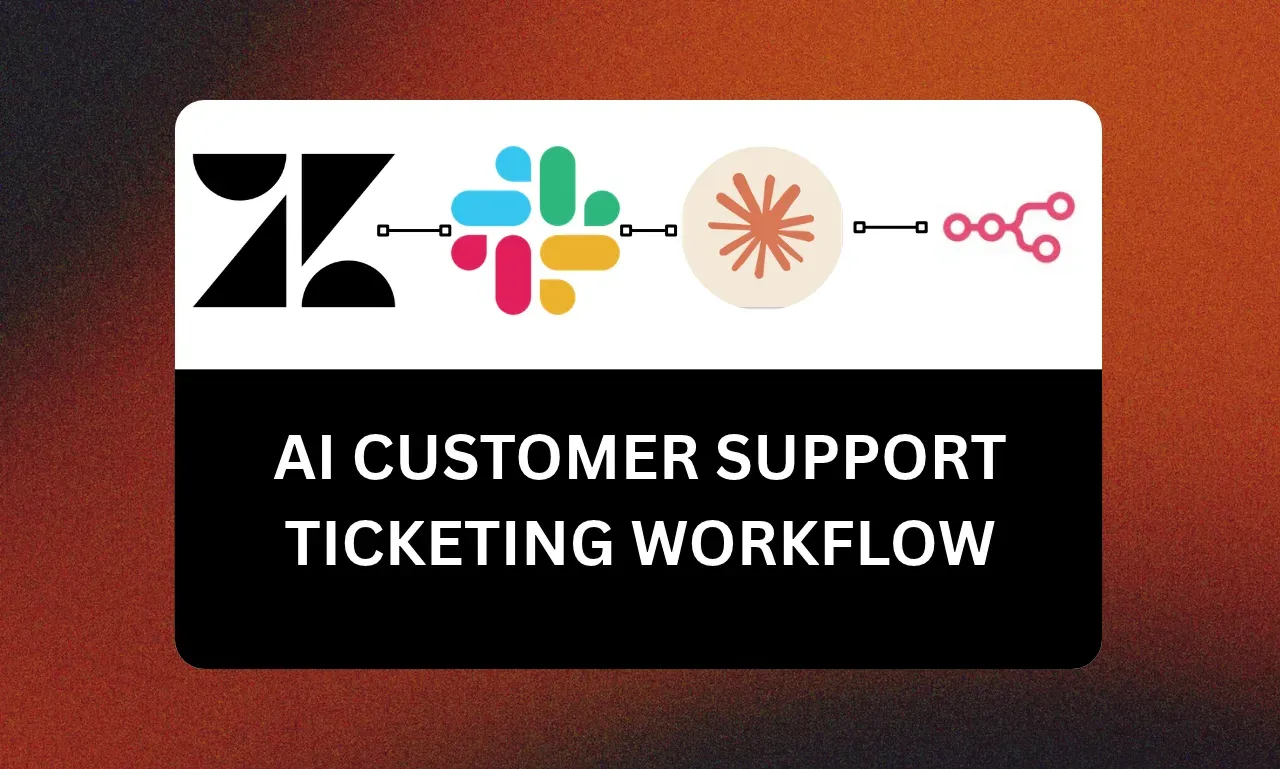
Stack
- Zendesk
- Slack
- Claude
- n8n
- 01 · ZendeskNew ticket
- 02 · ClaudeClassify and prioritise
- 03 · ClaudeDraft reply
- 04 · n8nRoute and alert
- 05 · SlackUrgent ping
The problem
Every ticket landed in one queue. Agents read each one to decide what it was, simple questions waited behind hard ones, and urgent issues were found late.
Discovery
Before building, I mapped:
- Q1Ticket categories and who owns each
- Q2The ten questions that make up most of the volume
- Q3What counts as urgent, and who must hear about it
The idea
Classify every ticket the moment it arrives, draft a reply for the common ones, and push urgent cases to Slack. Agents review and send instead of starting from zero.
How it runs
- Step 1
n8n picks up each new Zendesk ticket.
- Step 2
Claude classifies it, sets priority and drafts a reply from the help-centre content.
- Step 3
The ticket is tagged and assigned to the right group with the draft as an internal note.
- Step 4
Urgent tickets post to a Slack channel with a summary and a link.
What the client got
- n8n workflows
- Classification and reply prompts
- Zendesk tags and views
- Slack alert rules
Next build
Next build · Voice agentsAI Customer Support Voice Agent for Real Estate LeadsHand me the busywork.
An automation, a GoHighLevel setup, an AI agent, a connected system or a batch of AI ads. Tell me what slows you down and I will tell you how I would fix it.