Voice agents · Service businesses
AI Invoice and Payment Reminder Automation
Automation that sends invoices on time, follows up politely on overdue ones and keeps QuickBooks in sync, so chasing money stops being a job.
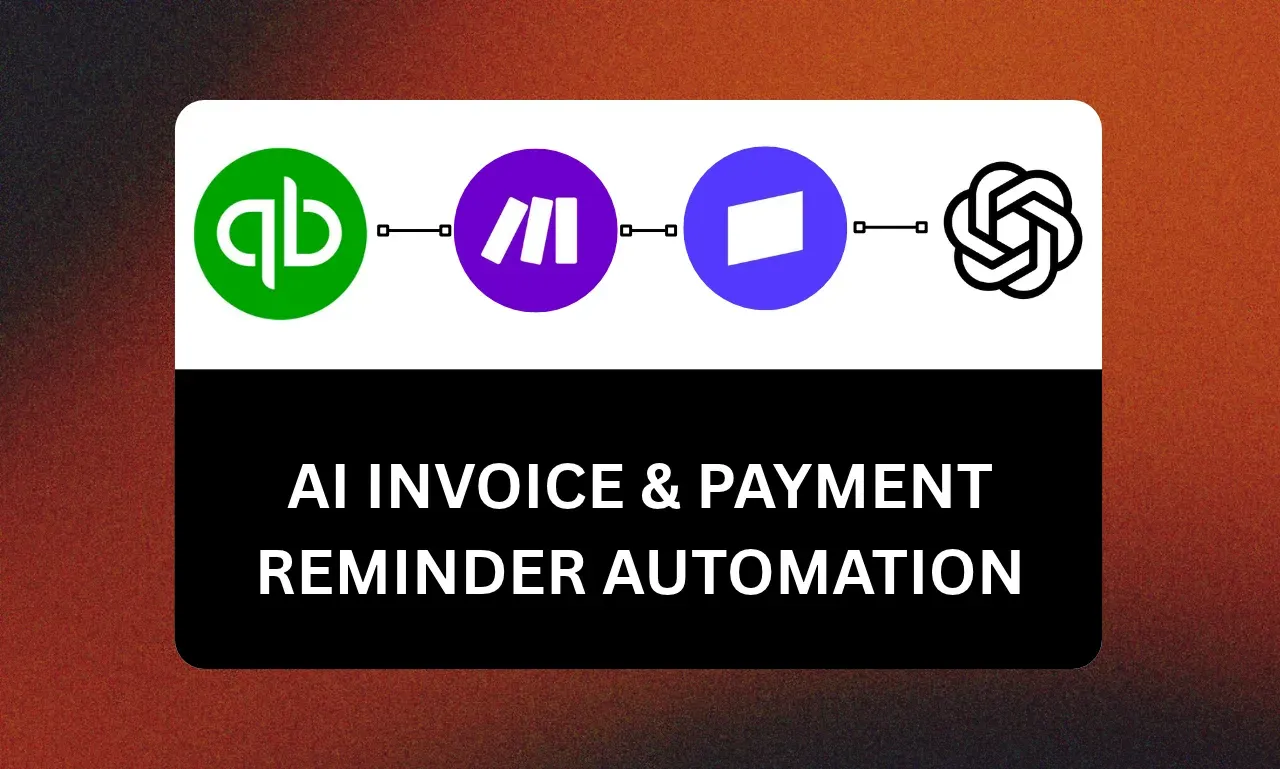
Stack
- QuickBooks
- Make.com
- OpenAI
- 01 · TriggerJob marked done
- 02 · QuickBooksCreate invoice
- 03 · Make.comReminder sequence
- 04 · OpenAIPersonal tone
The problem
Invoices went out late and reminders depended on someone feeling brave enough to chase. Cash flow suffered for no good reason.
Discovery
Before building, I mapped:
- Q1Payment terms per client type
- Q2The tone the owner wants at each stage of overdue
- Q3When a human should take over
The idea
Send each invoice the day work is done, then a friendly reminder sequence that escalates gently. Payment stops the sequence and updates the books.
How it runs
- Step 1
Finishing a job creates the invoice in QuickBooks.
- Step 2
The client receives it straight away with a clear due date.
- Step 3
Make.com sends reminders before and after the due date, written in the owner’s voice.
- Step 4
Payment received ends the sequence; long-overdue invoices are flagged for a call.
What the client got
- Make.com scenarios
- QuickBooks setup
- Reminder copy
- Overdue report
Next build
Next build · CRM and bookingAI Lead Capture Funnel for Fitness CoachesHand me the busywork.
An automation, a GoHighLevel setup, an AI agent, a connected system or a batch of AI ads. Tell me what slows you down and I will tell you how I would fix it.